Optimizing Event Photo Editing for Rapid Delivery
By Imagick Editorial Team · Published
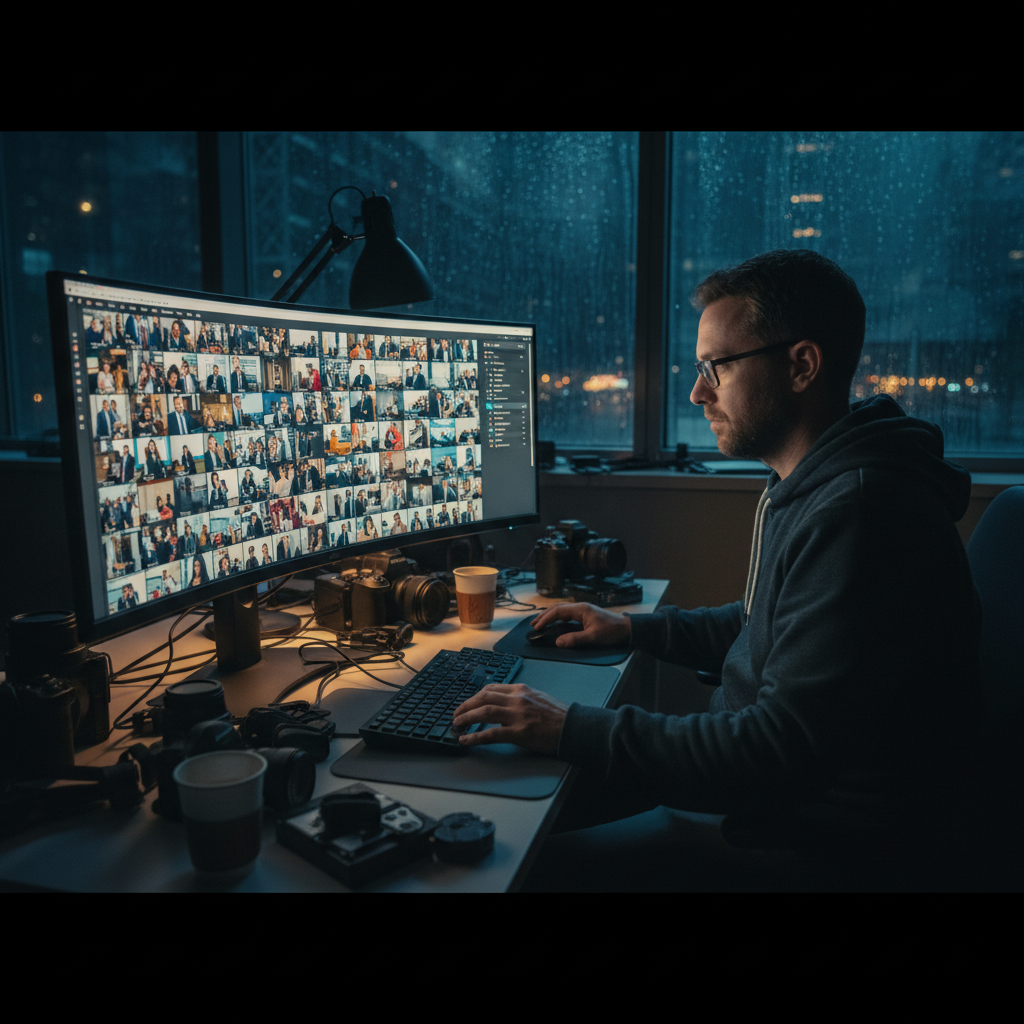
The Demands of Event Photography Post-Production
Event photography often involves capturing a high volume of images under diverse and frequently challenging lighting conditions. From corporate galas to conferences and private celebrations, photographers are expected to deliver comprehensive galleries that consistently reflect the event's atmosphere and key moments. The sheer quantity of images, coupled with the common expectation for rapid delivery, places significant pressure on post-production workflows. Maintaining visual consistency across hundreds or even thousands of frames, while ensuring each image meets professional standards, is a core challenge. This intensive workload, if not managed efficiently, can contribute to professional burnout, a common issue in high-volume photography sectors. Understanding and mitigating these pressures is crucial for sustainable practice, as explored in articles discussing Why Event Photographers Quit: The Burnout Equation.
Identifying Workflow Bottlenecks in Traditional Editing
Traditional event photo editing workflows typically involve several time-consuming stages. The initial culling process, where photographers manually review every image to select keepers and discard unusable frames, can be a significant bottleneck. This stage is prone to decision fatigue, especially when sifting through numerous similar shots. Following culling, individual adjustments for exposure, white balance, color correction, and cropping are applied. Ensuring consistency across a large gallery often requires meticulous attention to detail, frequently involving batch processing followed by individual fine-tuning. Any inconsistencies in color temperature or exposure can detract from the overall professional presentation of the gallery, necessitating further manual correction. The cumulative time spent on these repetitive tasks can extend editing times from hours to days, impacting delivery schedules and overall profitability.
Leveraging AI for Enhanced Efficiency
Artificial intelligence (AI) tools offer a transformative approach to streamlining event photo editing. AI can automate many of the repetitive and time-intensive tasks that traditionally consume a significant portion of a photographer's post-production time. These capabilities include intelligent culling suggestions, automated exposure and white balance corrections, color grading, and even basic straightening. By offloading these initial adjustments to an AI system, photographers can significantly reduce the manual effort required for the bulk of their images. Platforms like Imagick.ai are designed to integrate these AI-powered features into a photographer's workflow, aiming to accelerate the initial editing phase while maintaining a high standard of consistency. This shift allows photographers to focus their expertise on creative refinements and critical quality control, rather than foundational adjustments. For a broader understanding of how these technologies integrate, exploring an AI photo editing workflow can provide valuable insights.
Implementing an AI-Assisted Event Editing Workflow
Integrating AI into an event photography workflow involves a structured approach to maximize efficiency without compromising quality:
1. Pre-Processing and Initial Manual Cull
Begin with a rapid manual pass to remove unequivocally unusable images. This includes severely out-of-focus shots, accidental frames, extreme misfires, and obvious duplicates. This initial cull ensures that the AI system processes only potentially usable images, optimizing its performance and reducing unnecessary processing time. The goal is to eliminate the 'absolute garbage' quickly, leaving a more refined selection for AI analysis.
2. AI Integration for Core Adjustments
Upload the culled selection to an AI editing platform, such as Imagick.ai. The AI will then analyze each image and apply automated adjustments based on its algorithms. These typically include:
* Exposure Correction: Balancing highlights and shadows for optimal brightness.
* White Balance Adjustment: Correcting color casts to achieve neutral tones, especially critical in mixed lighting environments common at events.
* Color Grading: Applying consistent color profiles across the gallery.
* Basic Straightening/Cropping: Addressing minor horizon lines or compositional imbalances.
3. Human Review and Refinement
After AI processing, a critical human review phase is essential. AI is a powerful assistant, but it is not a replacement for a photographer's creative vision and discerning eye. During this stage, photographers should:
* Evaluate Consistency: Check that the AI's adjustments have resulted in a cohesive look across the entire gallery.
* Apply Creative Edits: Add specific stylistic touches, enhance hero shots, or make nuanced adjustments that align with client preferences or personal branding.
* Address Limitations: Identify any instances where the AI's interpretation may not align with the desired outcome and make manual corrections. Understanding the limitations of AI systems and ensuring responsible use is paramount, as highlighted by resources like the NIST AI Risk Management Framework.
4. Finalization and Export
Once the human review and refinement are complete, export the final images in the required formats. This streamlined process significantly reduces the overall time spent in post-production, allowing for faster gallery delivery. The principles of speed and quality in AI-assisted workflows are also highly relevant in other photography niches, such as discussed in AI Portrait Photography: Speed Meets Quality.
Quality Control and Practical Checklist
Effective quality control is non-negotiable, even with AI assistance. Establish clear decision criteria for image selection and editing standards. Always review a representative sample of the AI-processed images before a full gallery review to catch any systemic issues early. Focus on overall gallery consistency, accurate color rendition, and adherence to client expectations.
Practical Checklist for Rapid Event Editing:
* Pre-Shoot Preparation: Optimize camera settings for anticipated lighting conditions to minimize post-production corrections.
* Efficient Initial Cull: Perform a quick, decisive manual cull to remove all clearly unusable images.
* AI Processing: Utilize an AI platform for automated exposure, white balance, and color consistency across the remaining images.
* Targeted Human Review: Dedicate time for creative adjustments and critical quality control, focusing on key images and overall gallery cohesion.
* Consistency Check: Verify uniform look and feel across the entire delivered gallery.
* Backup Strategy: Implement robust backup procedures throughout the workflow.
* Client Communication: Manage client expectations regarding delivery timelines, leveraging the efficiency gained from AI. For further strategies on meeting deadlines, consider reviewing Avoid Missed Wedding Photo Deadlines: Proven Strategies.
By systematically integrating AI into the event photography workflow, professionals can significantly reduce editing times, enhance consistency, and ultimately deliver high-quality galleries more efficiently, allowing more time for shooting, client relations, or personal pursuits.
Continue building a reliable editing workflow
Review the Imagick AI workflow, compare options in the AI editing comparison, and check current pricing. For broader professional education, visit Professional Photographers of America.