AI Portrait Photography: Balancing Speed and Quality
By Imagick Editorial Team · Published
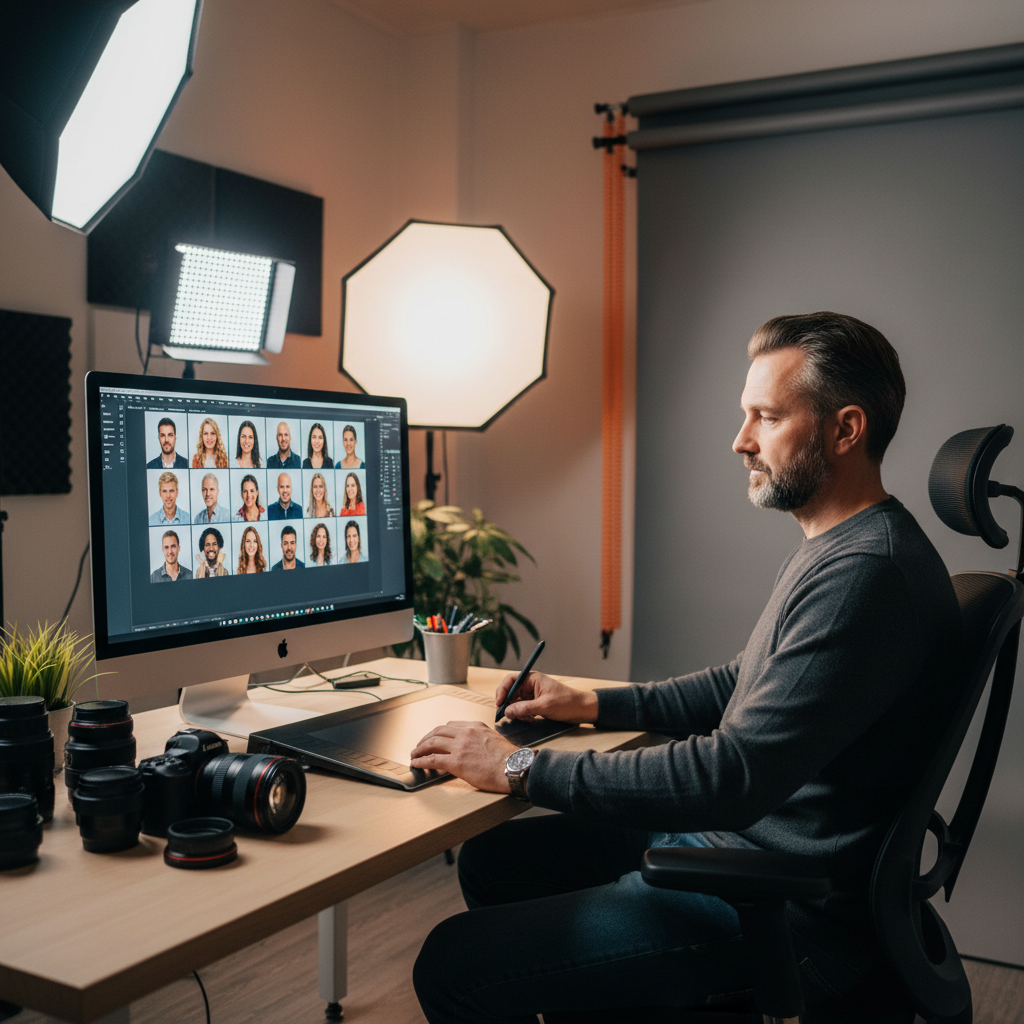
The Evolution of Portrait Post-Processing
Portrait and headshot photography demands a meticulous approach to post-processing. Traditionally, achieving high-quality results involved significant manual effort, from precise color correction and exposure adjustments to detailed retouching of skin, hair, and wardrobe. This labor-intensive process, while ensuring quality, often consumed a substantial portion of a photographer's time, impacting delivery schedules and overall business efficiency. The pursuit of perfection, pixel by pixel, could lead to creative fatigue and limit the capacity for new projects.
The advent of artificial intelligence (AI) in photography has introduced new possibilities, shifting the paradigm from purely manual, time-consuming tasks to an AI-assisted workflow. This evolution aims to address the long-standing challenge of balancing speed with uncompromising quality, particularly in high-volume scenarios such as corporate headshots, event portraits, or extensive personal branding sessions.
Integrating AI into Your Portrait Workflow
Adopting AI tools into a portrait photography workflow involves strategic integration rather than wholesale replacement of human expertise. The goal is to leverage AI for repetitive, time-intensive tasks, thereby freeing photographers to focus on creative direction, client interaction, and final artistic refinements. An effective AI photo editing workflow typically involves several stages:
1. Initial Culling and Selection: While AI can assist, the photographer's eye remains crucial for selecting the strongest images based on expression, composition, and client brief.
2. Batch Adjustments and Enhancements: AI can efficiently apply consistent color corrections, exposure adjustments, and white balance across an entire gallery. Services like Imagick.ai can automate these foundational edits, ensuring a uniform look that aligns with a photographer's style.
3. Detailed Retouching: AI-powered retouching tools can address common imperfections such as skin blemishes, stray hairs, and minor distractions with remarkable speed and precision. This significantly reduces the manual effort traditionally required for tasks like frequency separation or cloning.
4. Cropping and Straightening: AI can suggest optimal crops based on compositional rules and automatically straighten horizons or verticals, ensuring a polished presentation.
5. Quality Control and Refinement: This is a critical step where the photographer reviews AI-generated edits, making any necessary manual adjustments to ensure the final image meets their artistic vision and client expectations. This human oversight is essential for maintaining the unique character and authenticity of each portrait.
Maintaining Quality and Consistency with AI
Concerns about AI compromising artistic integrity or producing generic results are valid. However, modern AI tools are designed to be highly customizable and responsive to photographer input. Achieving consistent quality with AI involves several practices:
* Define Your Style: Before integrating AI, clearly define your aesthetic preferences. Many AI platforms allow for custom profiles or presets that reflect your unique color grading, contrast, and retouching preferences. This ensures AI outputs align with your brand.
* Iterative Review: Do not treat AI as a 'set it and forget it' solution. Regular review of AI-processed images is crucial. Identify areas where AI performs exceptionally well and where human intervention is still required. This iterative process helps refine your AI integration strategy.
* Understand AI Limitations: While powerful, AI may occasionally misinterpret complex scenes or subtle nuances. For instance, highly stylized portraits or specific artistic effects might still require significant manual input. Photographers should be aware of these limitations and be prepared to take over when necessary.
* Leverage AI for Consistency: One of AI's greatest strengths is its ability to apply edits consistently across large volumes of images. This ensures that every portrait within a session, or even across multiple sessions, maintains a cohesive look, which is particularly valuable for corporate clients requiring uniform headshots.
For further insights into evaluating AI systems, the NIST AI Risk Management Framework provides guidance on responsible development and use of AI technologies, which can inform a photographer's approach to integrating these tools ethically and effectively.
Strategic Benefits Beyond Speed
The advantages of AI in portrait photography extend beyond mere speed. By automating repetitive tasks, AI empowers photographers to:
* Enhance Creative Focus: With less time spent on mundane editing, photographers can dedicate more energy to the artistic aspects of their craft, such as lighting, posing, and establishing rapport with subjects. This focus on the human element is what truly differentiates a professional portrait.
* Improve Client Satisfaction: Faster turnaround times for galleries and proofs can significantly boost client satisfaction. This is especially critical in competitive markets where timely delivery is a key differentiator. For instance, understanding strategies to Avoid Missed Wedding Photo Deadlines: Proven Strategies can be applied to portrait work as well.
* Increase Business Capacity: Efficiency gains allow photographers to take on more projects without compromising quality or increasing their workload exponentially. This can lead to increased revenue and business growth.
* Reduce Burnout: The demanding nature of professional photography, particularly the post-processing burden, can contribute to burnout. Offloading some of this work to AI can help maintain a healthier work-life balance, as discussed in articles like Preventing Event Photographer Burnout: A Professional Guide.
* Competitive Edge: Staying current with technological advancements, including AI, can provide a competitive advantage by offering clients faster delivery and consistent, high-quality results. Comparing different AI editing solutions, such as through an AI editing comparison, can help photographers choose the best tools for their specific needs.
A Practical Checklist for AI-Assisted Portrait Editing
To effectively integrate AI into your portrait photography workflow, consider the following steps:
* Evaluate AI Tools: Research and test various AI editing platforms to find one that aligns with your workflow and aesthetic preferences.
* Establish a Baseline: Process a small batch of images manually to set a benchmark for quality and style.
* Train AI (if applicable): Utilize features that allow AI to learn from your editing style or apply your custom presets.
* Process a Test Gallery: Run a full portrait session through your chosen AI tool.
* Conduct Thorough Review: Critically assess the AI's output for consistency, accuracy, and adherence to your standards.
* Refine and Adjust: Make manual corrections where necessary and provide feedback to the AI system if it offers learning capabilities.
* Integrate into Workflow: Once satisfied, incorporate AI processing as a standard step in your post-production pipeline.
* Maintain Oversight: Always perform a final quality control check before delivering images to clients.
By thoughtfully integrating AI, professional portrait photographers can achieve a powerful synergy of speed and quality, enhancing both their creative output and business efficiency.
Continue building a reliable editing workflow
Review the Imagick AI workflow, compare options in the AI editing comparison, and check current pricing. For broader professional education, visit Professional Photographers of America.