AI Photo Editing vs. Human Editor: A Cost Analysis
By Imagick Editorial Team · Published
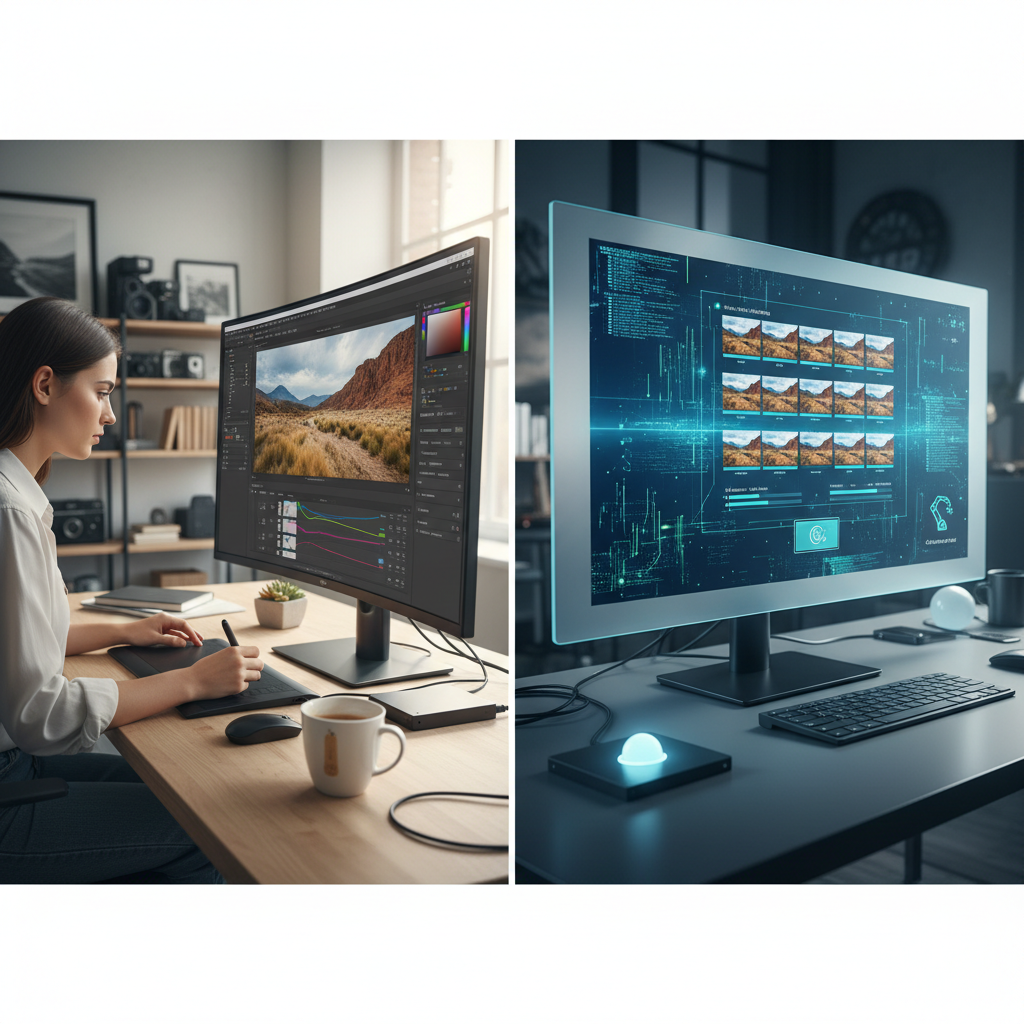
The post-production landscape for professional photographers is continually evolving, with artificial intelligence (AI) emerging as a significant factor in workflow optimization. For photographers managing high volumes of images, particularly in genres like wedding, portrait, and event photography, the decision between AI-assisted editing and traditional human editing services involves a careful evaluation of cost, efficiency, and quality.
This guide provides an objective comparison, outlining the financial implications, practical applications, and strategic considerations for integrating AI into a professional photography business.
Evaluating Cost Structures: AI vs. Human Editing
Comparing the cost of AI photo editing with human editing requires an analysis of various factors beyond a simple per-image rate. Human editing services typically involve hourly rates or per-image fees that account for the editor's time, skill, and overhead. These costs can fluctuate based on the editor's experience level, the complexity of the work (e.g., basic color correction versus intricate retouching), and required turnaround times. For a large gallery, such as a wedding, the cumulative cost can be substantial, reflecting the manual effort involved in culling, color correction, exposure adjustments, and detailed retouching.
AI editing services, conversely, often operate on subscription models, per-image fees, or tiered pricing structures based on volume. These models generally offer a predictable cost per image, which can decrease with higher processing volumes. The primary financial advantage of AI lies in its ability to process images rapidly and consistently, potentially reducing the labor cost associated with repetitive tasks. However, it is crucial to consider that AI tools may not eliminate the need for human review or final touches. Therefore, the true cost might represent a hybrid of AI processing fees and a photographer's or human editor's time for refinement and quality control.
AI Capabilities and Inherent Limitations
AI photo editing tools have advanced significantly, offering capabilities that streamline many aspects of post-production. These include automated color correction, exposure adjustments, white balance consistency, and basic skin smoothing across entire galleries. AI excels at applying consistent stylistic edits and handling large batches of images with speed, which can drastically reduce the initial processing time for photographers. For a detailed look at how AI integrates into various editing platforms, consider exploring resources on Lightroom AI Workflow: How I Use AI in My Editing.
However, AI also has inherent limitations. It typically struggles with subjective tasks such as discerning subtle emotional expressions, identifying closed eyes in group shots, or performing complex retouching that requires artistic interpretation. AI may not effectively address intricate issues like removing distracting elements, head swaps, or advanced compositing. These tasks often demand the nuanced judgment and creative problem-solving skills that only a human editor can provide. Understanding these boundaries is key to determining where AI can genuinely add value and where human intervention remains indispensable.
Integrating AI into a Professional Workflow
Incorporating AI into a photography workflow involves strategic planning to maximize efficiency while maintaining quality. A common approach begins with culling, which can be partially assisted by AI tools that flag technically flawed images, though final selection often benefits from human review for artistic and narrative consistency. Once images are culled, AI can perform initial global adjustments, such as color and exposure correction, across the entire gallery. Services like Imagick.ai, for example, can apply consistent edits based on a photographer's style profile or reference images, providing a strong foundation for further work.
After AI processing, a critical step is quality control. Photographers should review the AI-edited images to ensure they meet their artistic standards and client expectations. This review process allows for manual adjustments to specific images that require a human touch, such as fine-tuning skin tones, correcting minor imperfections, or addressing unique lighting challenges. For guidance on this crucial step, refer to AI Editing: What I Check (and Skip).
Strategic Resource Allocation: A Hybrid Approach
The most effective strategy for many professional photographers is not an either/or choice but a hybrid approach that leverages the strengths of both AI and human editing. This involves using AI as a powerful first pass for volume-based tasks, freeing up human editors or the photographer's own time for more complex, creative, and detail-oriented work. For instance, AI can handle the initial color grading and exposure adjustments for hundreds of wedding photos, while a human editor focuses on intricate retouching for hero shots or addressing specific client requests. This approach is often integrated within established platforms like Adobe Lightroom, where AI tools can streamline initial adjustments before human refinement.
This strategic allocation of resources can lead to significant time savings and cost efficiencies. By offloading repetitive tasks to AI, photographers can reduce their overall post-production time, accelerate delivery to clients, and potentially take on more projects. It also allows human editors to concentrate on higher-value tasks that require their unique skills, enhancing the overall quality of the final product. For a broader perspective on this evolution, consider insights from AI vs Traditional Photo Editing.
Quality Control and Ethical Considerations
Regardless of the editing method, rigorous quality control is paramount. AI-processed images must undergo thorough review to ensure consistency, accuracy, and adherence to the photographer's brand aesthetic. This includes checking for artifacts, unnatural rendering, or missed details that AI might overlook. Establishing a clear checklist for reviewing AI output is essential for maintaining professional standards.
Beyond technical quality, photographers must also consider the ethical implications of using AI. Transparency with clients about the use of AI in post-production can build trust. Furthermore, understanding content authenticity initiatives, such as those promoted by C2PA, and responsible AI development frameworks, like the NIST AI Risk Management Framework, is increasingly important for maintaining professional integrity in a rapidly evolving technological landscape.
Practical Checklist for AI Integration
* Evaluate Needs: Determine which parts of your workflow are most repetitive, time-consuming, and suitable for AI automation.
* Research Services: Compare AI editing platforms based on features, pricing models, integration capabilities with existing software, and demonstrated consistency.
* Test Thoroughly: Run sample galleries through chosen AI services to assess quality, consistency, and adherence to your stylistic preferences before full implementation.
* Define Workflow: Establish clear, step-by-step procedures for AI processing, subsequent human review, and final adjustments to ensure a smooth and efficient post-production pipeline.
* Set Quality Standards: Create a detailed checklist for reviewing AI output, focusing on critical elements like color accuracy, exposure, skin tones, and overall aesthetic consistency, to ensure professional results.
* Communicate: Inform clients about your editing process, especially if AI is used, to maintain transparency and manage expectations regarding the final product.
By carefully evaluating the costs, capabilities, and strategic integration of AI, professional photographers can make informed decisions that enhance their workflow, optimize their budget, and ultimately deliver high-quality results to their clients.
Continue building a reliable editing workflow
Review the Imagick AI workflow, compare options in the AI editing comparison, and check current pricing. For broader professional education, visit Professional Photographers of America.