AI vs. Traditional Photo Editing: A Professional Guide
By Imagick Editorial Team · Published
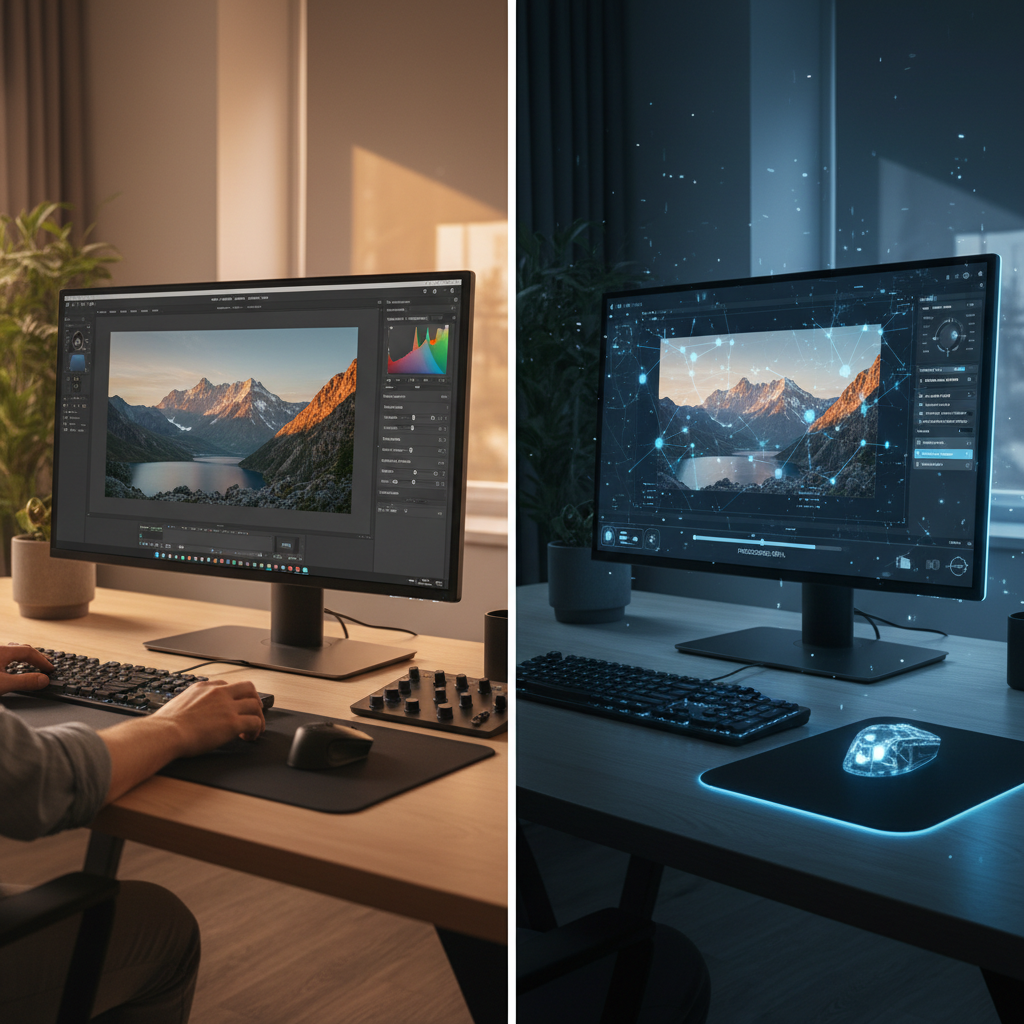
The landscape of professional photography continually evolves, with technological advancements reshaping workflows and creative possibilities. Among the most significant shifts is the integration of artificial intelligence (AI) into photo editing. For professional photographers, understanding the distinctions and potential synergies between AI and traditional editing methods is crucial for optimizing efficiency, maintaining consistency, and preserving artistic control. This guide explores both approaches, offering insights into how they can be strategically combined to meet the demands of high-volume genres like wedding, portrait, and event photography.
The Foundation: Traditional Photo Editing Workflows
Traditional photo editing relies on manual input and skilled human judgment at every stage. This process typically begins with meticulous culling, where photographers review thousands of images to select the strongest shots based on focus, exposure, composition, and emotional impact. Following selection, each image undergoes a series of adjustments using software like Adobe Lightroom or Photoshop. These adjustments include global corrections for exposure, white balance, and color, followed by local enhancements such as dodging and burning, skin retouching, object removal, and creative color grading.
The primary advantage of traditional editing is the complete creative control it offers. Every decision, from the subtle curve adjustment to the precise brushstroke, reflects the photographer's unique artistic vision and skill. This hands-on approach allows for highly nuanced and personalized results, essential for establishing a distinctive style. However, this level of manual intervention is inherently time-consuming. For photographers managing large galleries from weddings or events, the hours dedicated to culling and editing can significantly impact turnaround times and overall productivity. Maintaining absolute consistency across thousands of images can also be challenging, as human fatigue or subtle shifts in perception may lead to minor variations in tone and color from one image to the next.
Integrating AI into the Photo Editing Process
AI-powered editing tools introduce automation and data-driven analysis to streamline various aspects of the post-production workflow. These tools are designed to perform repetitive, analytical tasks with speed and consistency, freeing photographers to focus on more creative endeavors.
Common applications of AI in photo editing include:
* Culling and Selection: AI can analyze image metadata and visual characteristics to identify technically strong images, flagging out-of-focus shots, closed eyes, or duplicate frames. This significantly reduces the initial review time.
* Batch Adjustments: AI algorithms can apply consistent exposure, white balance, and color corrections across an entire gallery, learning from a photographer's preferred style or a reference image. Platforms like Imagick.ai, for instance, utilize AI to match color and tone across large sets of images, aiming for uniformity.
* Specific Enhancements: Some AI tools offer automated solutions for tasks such as basic skin smoothing, noise reduction, lens correction, or even sky replacement, often with adjustable intensity.
The benefits of integrating AI are primarily efficiency and consistency. By automating foundational adjustments, AI tools can drastically cut down the time spent on repetitive tasks, enabling faster delivery of galleries. The algorithmic nature of AI ensures a high degree of consistency in color and tone across a large volume of images, which can be particularly valuable for branding and client satisfaction in commercial, wedding, and event photography. For a deeper dive into how AI can transform your workflow, explore our guide on AI photo editing workflow.
Strategic Decision-Making: When to Use AI
Deciding when and how to integrate AI into your editing workflow involves evaluating your specific needs and priorities.
Consider AI when:
* Volume is High: For large events like weddings or corporate gatherings, where hundreds or thousands of images require consistent foundational adjustments, AI can be a significant time-saver.
* Consistency is Paramount: If maintaining a uniform look across an entire gallery or a series of shoots is critical for client expectations or brand identity, AI's ability to apply consistent parameters is highly beneficial.
* Repetitive Tasks Dominate: If a substantial portion of your editing time is spent on basic corrections that do not require deep creative input, AI can automate these tasks, allowing you to reallocate your time.
* Speed is a Factor: In competitive markets, faster delivery times can be a differentiator. AI can accelerate the initial editing phases, contributing to quicker gallery turnaround. For more on balancing speed and quality, see Photo Quality vs. Speed: Why You Need Both.
Conversely, traditional manual editing remains indispensable for:
* Unique Artistic Expression: When a project demands a highly specific, nuanced, or experimental creative vision that goes beyond standard corrections.
* Complex Retouching: Intricate skin work, detailed object removal, or composite creations often require the precision and judgment of a human editor.
* Problematic Images: Shots with severe exposure issues, complex color casts, or challenging lighting conditions may require manual intervention that AI cannot yet fully replicate without human guidance.
Photographers should view AI not as a replacement for skill, but as a powerful assistant. The goal is to leverage AI for efficiency while reserving human expertise for creative refinement and critical decision-making.
Limitations, Quality Control, and Ethical Considerations
While AI offers substantial advantages, it is not without limitations. AI algorithms interpret data based on patterns they have learned, which can sometimes lead to results that are technically correct but aesthetically undesirable or inconsistent with a photographer's unique style. For instance, an AI might over-smooth skin or misinterpret complex lighting scenarios.
Therefore, robust quality control is essential when using AI tools:
1. Human Review: Always review AI-edited images. This step is non-negotiable to ensure the output aligns with your vision and client expectations.
2. Customization and Override: Choose AI tools that allow for significant customization of settings and the ability to manually override or refine AI-applied adjustments.
3. Ethical Use: As AI becomes more sophisticated, questions of authenticity and provenance arise. Organizations like C2PA are developing standards for content authenticity, and photographers should be aware of these discussions. Additionally, the NIST AI Risk Management Framework provides guidance for responsible development and use of AI systems, which can inform professional practices. Understanding these aspects helps avoid potential pitfalls, as discussed in Avoiding Outsourcing Pitfalls in Photo Editing.
The Hybrid Workflow: Maximizing Efficiency and Creativity
The most effective approach for many professional photographers is a hybrid workflow that strategically combines AI and traditional editing. This model leverages AI for its speed and consistency in foundational tasks, then integrates human expertise for creative refinement and quality assurance.
A typical hybrid workflow might look like this:
1. Initial Culling (AI-assisted): Use AI to quickly filter out technically flawed images, leaving a refined selection for human review.
2. Global Adjustments (AI-powered): Apply AI-driven exposure, white balance, and color corrections across the selected gallery to establish a consistent base.
3. Creative Refinement (Manual): Import the AI-processed images into your preferred editing software (e.g., Lightroom, Photoshop) for detailed retouching, artistic color grading, local adjustments, and final creative touches.
4. Final Review: Conduct a thorough human review of the entire gallery to ensure every image meets your quality standards and artistic vision.
This hybrid model allows photographers to significantly reduce the time spent on repetitive tasks, thereby increasing capacity for more shoots, client interaction, or personal time, without compromising the unique artistic signature that defines their work.
Practical Checklist for Evaluating AI Editing Solutions
When considering AI tools for your photography business, evaluate solutions based on these criteria:
* Integration: Does the AI solution integrate seamlessly with your existing software (e.g., Lightroom, Capture One)?
* Customization: Can you train the AI to learn your specific editing style, or adjust its parameters to match your preferences?
* Control: Does the tool allow for easy review, modification, and override of AI-applied adjustments?
* Output Quality: Assess the consistency and accuracy of the AI's output, especially concerning skin tones, color rendition, and detail preservation.
* Data Security: Understand how your images and data are handled and protected.
* Cost-Effectiveness: Evaluate the pricing model against the time savings and workflow improvements it offers. For example, understanding Imagick pricing can help in this assessment.
* Support & Community: Look for robust customer support and a community of users for shared learning and troubleshooting.
By carefully evaluating these factors, professional photographers can make informed decisions about integrating AI into their workflows, ultimately enhancing their productivity and creative output.
Continue building a reliable editing workflow
Review the Imagick AI workflow, compare options in the AI editing comparison, and check current pricing. For broader professional education, visit Professional Photographers of America.