AI Editing Quality Control: What to Check and Skip
By Imagick Editorial Team · Published
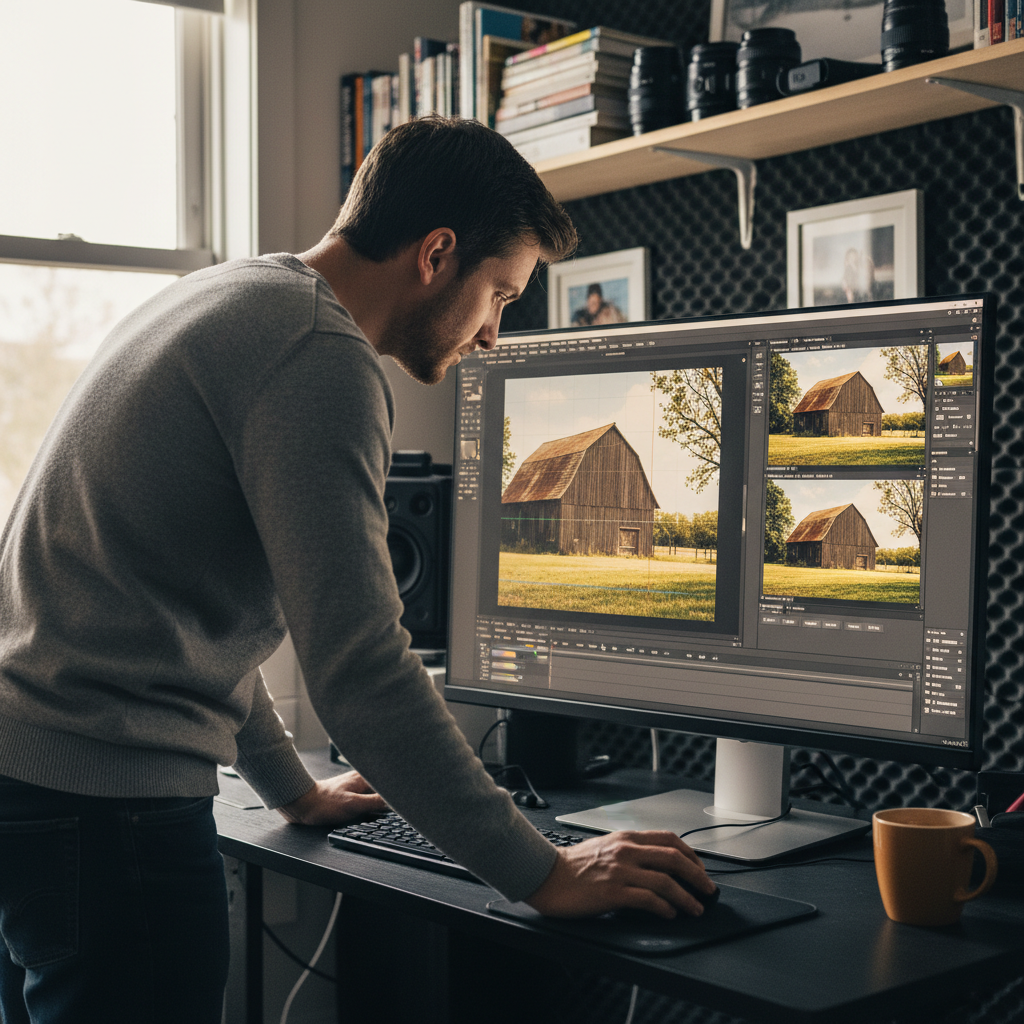
The integration of artificial intelligence into professional photography workflows has transformed post-production, offering unprecedented speed and consistency. While AI tools can automate many tedious editing tasks, they do not eliminate the need for human oversight. Effective quality control in an AI-assisted workflow is not about meticulously re-editing every image; it's about strategically identifying what requires human attention and what can be reliably delegated to AI.
This guide outlines a practical approach to quality control for AI-edited images, helping professional photographers leverage AI's benefits while maintaining their artistic vision and delivering high-quality results.
Optimizing Your AI Photo Editing Workflow
Integrating AI into a photography workflow fundamentally shifts the focus from manual, image-by-image adjustments to a more supervisory role. The goal is to enhance efficiency and consistency across large volumes of images, such as those from weddings, portraits, or events. AI platforms can learn a photographer's style, apply consistent edits, and perform basic corrections like exposure, white balance, and cropping across an entire gallery.
This automation frees up significant time, allowing photographers to concentrate on the creative aspects of their work and the critical images that define a project. However, this efficiency gain is only realized if the quality control process is streamlined. Over-checking AI's work can negate the time savings, making it crucial to understand where human intervention adds the most value. A well-designed AI photo editing workflow prioritizes strategic review over exhaustive re-editing.
Essential Quality Control: Prioritizing Critical Adjustments
While AI excels at consistency, certain aspects of image editing remain critical for human review, especially for key photographs. These are the areas where even advanced AI may occasionally fall short, particularly in complex or challenging lighting conditions.
Exposure
Exposure is paramount. While AI often achieves accurate exposure, it can struggle with extreme lighting scenarios such as strong backlighting, mixed light sources (e.g., tungsten and fluorescent), or subjects with very high contrast. Photographers should conduct a quick pass through the gallery, focusing on:
* Blown-out highlights: Areas that have lost all detail, particularly on faces, wedding dresses, or bright skies.
* Crushed shadows: Areas that are completely black with no discernible detail.
* Overall brightness: Ensuring the image feels appropriately exposed for the scene and subject.
White Balance and Color Accuracy
Accurate white balance is crucial for natural-looking skin tones and overall color fidelity. AI typically performs well in consistent lighting, but mixed lighting conditions can present challenges. Review images for:
* Skin tone accuracy: Ensuring subjects' skin tones appear natural and not overly warm, cool, green, or magenta.
* Color casts: Identifying any unnatural color tints across the image, often caused by specific light sources or environmental reflections.
Critical Elements and Focus
For "hero shots"—portraits, first kisses, key moments—the focus, sharpness, and integrity of critical elements are non-negotiable. While AI can enhance sharpness, it cannot correct missed focus. Review these images to ensure:
* Sharpness on key subjects: Eyes, faces, and primary points of interest should be sharp.
* Absence of artifacts: Check for any AI-induced artifacts, especially in areas of fine detail or complex textures.
Strategic Delegation: What AI Excels At
To maximize efficiency, photographers must identify tasks where AI consistently delivers acceptable results, freeing up time for more critical adjustments. This strategic delegation is central to a productive AI editing comparison against traditional methods.
Cropping and Straightening
For the vast majority of images, AI can handle basic cropping and straightening effectively. Unless an image requires a highly specific artistic crop or has a wildly skewed horizon, delegating these tasks to AI can save considerable time. The precision offered by AI for general alignment is often sufficient for high-volume galleries.
General Color Grading and Consistency
One of AI's most significant advantages is its ability to apply a consistent color grade across an entire set of images. After training an AI model on a photographer's preferred style, it can maintain a uniform look, which is particularly valuable for large events. While a photographer might fine-tune the color grading for a select few hero shots, the AI's consistency for the bulk of the gallery is a major time-saver. This approach helps achieve both Photo Quality vs. Speed: Why You Need Both.
Noise Reduction and Sharpening
Modern AI algorithms are highly capable of intelligently reducing noise and enhancing sharpness without introducing excessive artifacts. For many images, especially those shot in challenging low-light conditions, AI can provide a superior starting point or even a final solution for these adjustments.
Implementing a Robust Quality Control Process
An effective quality control process integrates seamlessly with AI-assisted editing. A common workflow involves initial AI processing followed by a structured human review, often within a photo management application like Adobe Lightroom.
1. Initial AI Processing: Upload images to an AI editing platform (e.g., Imagick.ai) for initial corrections based on your trained profile.
2. First Pass Review (Broad Strokes): Conduct a rapid, full-gallery review. Scroll through large previews, looking for obvious exposure errors, severe white balance issues, or major compositional flaws. Flag these images for closer inspection.
3. Second Pass Review (Targeted): Focus on flagged images and critical "hero shots." Perform detailed adjustments to exposure, white balance, and local corrections as needed. This is where the photographer's artistic eye and experience are invaluable.
4. Final Consistency Check: Briefly review the entire gallery again to ensure overall consistency in style and tone, especially after manual adjustments.
AI, Authenticity, and Responsible Practices
As AI becomes more prevalent in image creation and editing, the discussion around content authenticity and responsible AI use gains importance. Professional photographers should be aware of initiatives like C2PA, which aims to establish technical standards for content provenance and authenticity. Additionally, frameworks like the NIST AI Risk Management Framework provide guidance for managing the risks associated with AI systems, encouraging transparent and ethical deployment.
Practical Quality Control Checklist
* Exposure: Check for blown highlights, crushed shadows, and overall brightness.
* White Balance: Verify natural skin tones and absence of color casts.
* Focus & Sharpness: Ensure critical subjects are sharp.
* Composition: Address any egregious cropping or straightening errors.
* Artifacts: Scan for any AI-induced anomalies.
* Consistency: Confirm the overall look and feel of the gallery.
By adopting a strategic approach to AI editing quality control, professional photographers can significantly enhance their workflow efficiency while consistently delivering high-quality, client-ready images. The key lies in understanding AI's strengths and limitations, and judiciously applying human expertise where it matters most.
Continue building a reliable editing workflow
Review the Imagick AI workflow, compare options in the AI editing comparison, and check current pricing. For broader professional education, visit Professional Photographers of America.