Sports Photography: Rapid Post-Production Workflow
By Imagick Editorial Team · Published
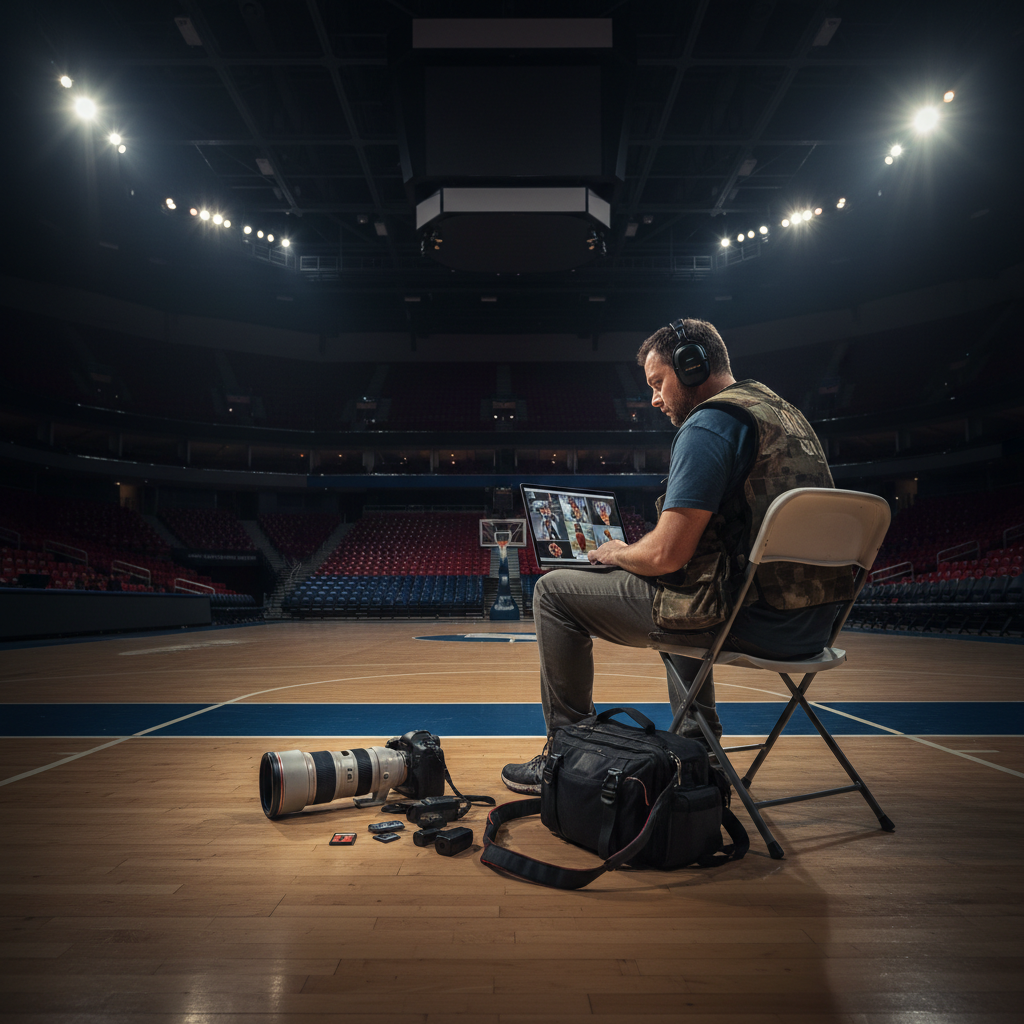
The dynamic nature of sports photography often demands exceptionally fast turnaround times, with clients frequently expecting images shortly after an event concludes. Meeting these expectations consistently requires a highly optimized workflow that minimizes delays at every stage, from capture to post-production and delivery.
Pre-Event Planning and Gear Preparation
Effective preparation is foundational for a rapid workflow. Before an event, photographers should ensure all equipment is in optimal working order. This includes checking camera settings, battery levels, and memory card capacity. For sports, high-speed memory cards are essential to manage continuous burst shooting without buffering delays. Cameras capable of high frame rates and robust autofocus systems are advantageous for capturing decisive moments.
Consider the specific sport and venue. Understanding the lighting conditions, potential shooting angles, and client requirements allows for pre-setting camera profiles or custom settings. For instance, anticipating low-light conditions might necessitate higher ISO capabilities and fast lenses, while bright outdoor events might require faster shutter speeds to freeze action. Having a clear understanding of the desired final output—whether for web, print, or social media—also informs initial capture settings and subsequent editing priorities.
Efficient Capture and Data Management
During an event, strategic shooting practices can significantly reduce post-production time. Rather than indiscriminately capturing thousands of frames, a focused approach can yield a higher percentage of usable images. This involves anticipating action, understanding game flow, and utilizing burst modes judiciously. While burst shooting is common in sports, reviewing images in-camera periodically can help identify and discard obviously unusable frames early, reducing the culling load later.
Immediate data transfer is a critical component of a fast turnaround. If feasible, tethered shooting to a laptop or a dedicated capture device can eliminate the time spent transferring files from memory cards post-event. Wireless tethering or using high-speed USB-C connections for direct card offload are viable options. Organizing files into clearly named folders upon ingestion, perhaps by game quarter or specific athletes, facilitates quicker navigation during culling. Utilizing software like Adobe Lightroom for immediate import and preliminary organization can further streamline this initial step.
Streamlining Post-Production with AI Assistance
Post-production is often the most time-consuming phase. For rapid delivery, a highly efficient culling and editing strategy is essential. Manual culling of thousands of images can be a bottleneck. Photographers can employ a multi-pass culling system: a quick first pass to eliminate out-of-focus, poorly composed, or duplicate shots, followed by a more refined selection of the strongest images. Rating systems (e.g., star ratings, color labels) within editing software can help categorize and prioritize images quickly.
Integrating AI-powered editing tools, such as Imagick.ai, can significantly accelerate the editing process. These platforms can perform initial adjustments like color correction, exposure balancing, and white balance across large batches of images, often learning a photographer's preferred style over time. This automation frees up time for photographers to focus on critical creative decisions, such as precise cropping, dodging and burning, or localized adjustments that require a human eye. The goal is to leverage AI for repetitive, time-intensive tasks, allowing the photographer to maintain creative control over the final output. For a deeper dive into integrating such tools, explore an AI photo editing workflow.
Quality Control and Consistency
Even with accelerated workflows, maintaining image quality and consistency is paramount. After AI-assisted edits, a final human review is crucial. This quality control pass ensures that all images meet professional standards and align with client expectations. Check for:
* Sharpness and Focus: Ensure key subjects are sharp.
* Exposure and White Balance: Verify consistency across the set.
* Color Accuracy: Confirm colors are true to life or match a specific aesthetic.
* Composition and Cropping: Make final adjustments for impact.
* Client Specifications: Adhere to any specific delivery requirements (e.g., file size, resolution, watermarks).
Rapid Delivery and Client Communication
Once images are edited and approved, efficient delivery is the final step. Cloud-based galleries or client portals allow for quick sharing and downloading. Pre-configuring export presets in editing software ensures images are exported at the correct specifications (e.g., resolution, file type, compression) for various uses, minimizing manual adjustments. Clear communication with clients about delivery timelines and expectations is also vital. Proactive communication can help manage expectations and prevent misunderstandings, a strategy that is also crucial for avoiding missed deadlines in other event types, as discussed in Avoid Missed Wedding Photo Deadlines: Proven Strategies.
Implementing these strategies can help professional photographers meet the demanding turnaround times of sports photography without compromising quality or leading to burnout, a common challenge for event photographers as detailed in Preventing Event Photographer Burnout: A Professional Guide.
Practical Checklist for Fast Turnaround
* Pre-Event: Charge batteries, clear memory cards, set camera profiles, pack essential gear.
* Capture: Use high-speed cards, anticipate action, shoot purposefully, review in-camera if time allows.
* Ingestion: Utilize tethering or high-speed card readers, organize files immediately upon import.
* Culling: Implement a rapid multi-pass culling system (e.g., 1-star for keepers, 2-star for selects).
* Editing: Apply AI-assisted batch edits for initial corrections (exposure, color, white balance).
* Refinement: Manually refine critical images, perform precise cropping and localized adjustments.
* Quality Control: Conduct a final human review for sharpness, consistency, and client specifications.
* Export & Delivery: Use pre-configured export presets, upload to cloud gallery or client portal, communicate delivery status.
Continue building a reliable editing workflow
Review the Imagick AI workflow, compare options in the AI editing comparison, and check current pricing. For broader professional education, visit Professional Photographers of America.