Optimizing Real Estate Photo Turnaround with AI
By Imagick Editorial Team · Published
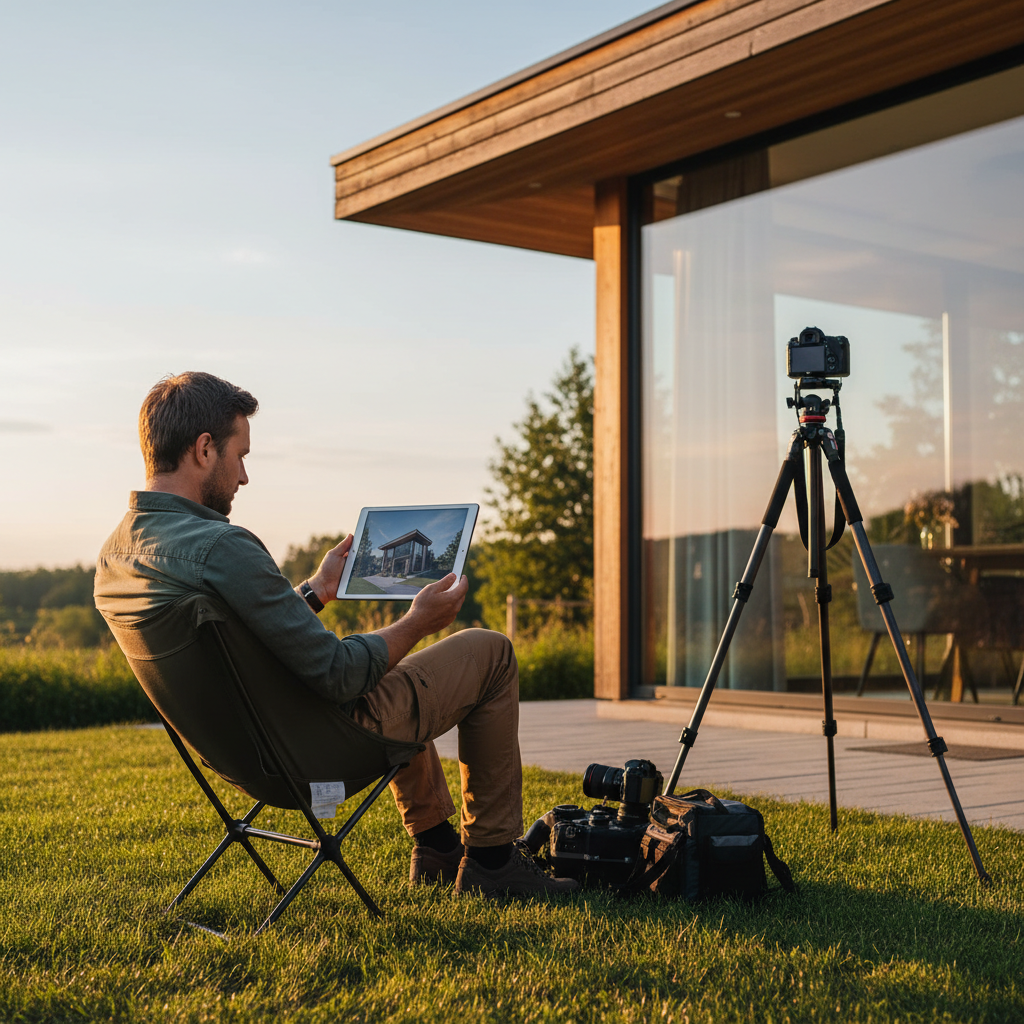
The Evolving Landscape of Real Estate Photography
The real estate market demands high-quality visual assets delivered rapidly, placing significant pressure on professional photographers to produce exceptional images within tight deadlines. Effective photography is crucial for attracting buyers, making a strong first impression, and contributing to faster property sales.
Historically, post-processing has been a major time investment in real estate photography. Repetitive tasks like exposure blending, color correction, and perspective adjustments require meticulous attention across numerous images. This labor-intensive process can extend turnaround times, delaying listings and creating workflow bottlenecks. The industry's shift towards digital platforms and immediate access to information has amplified the need for efficient workflows that maintain image quality.
Integrating AI into the Real Estate Photography Workflow
Artificial intelligence (AI) tools are increasingly adopted to streamline and enhance the real estate photography post-processing workflow. AI can automate many repetitive editing tasks, allowing photographers to focus on capture, creative direction, and final quality control.
A typical AI-assisted workflow involves several stages:
1. Image Capture: Photographers capture images using their preferred techniques, focusing on composition, lighting, and bracketing for dynamic range when necessary.
2. Initial Culling and Selection: This crucial step remains a human responsibility. Photographers review raw images to select the best shots, remove duplicates, and identify any images requiring specific attention. While AI can assist with initial sorting, the nuanced decision of what constitutes a "keeper" for a specific property or client brief typically requires human judgment.
3. AI-Powered Enhancement: Selected images are then submitted to an AI editing platform. These platforms are designed to apply a range of enhancements automatically. Services like Imagick.ai, for instance, can process batches of images, applying consistent edits across a gallery. Understanding the capabilities of various AI tools is essential for effective integration; resources like an AI photo editing workflow can provide further insight into these processes.
4. Human Review and Refinement: After AI processing, photographers conduct a thorough review of the enhanced images. This stage is vital for ensuring the AI's output aligns with the photographer's artistic vision, client expectations, and brand standards. Minor adjustments to white balance, cropping, or specific local edits may still be necessary.
5. Final Delivery: Once approved, the images are prepared for delivery to the client.
This hybrid approach leverages AI for speed and consistency while retaining the photographer's expertise for critical decision-making and artistic oversight.
Key AI Capabilities for Real Estate Post-Processing
AI tools offer a range of specific capabilities that directly address common challenges in real estate photography post-processing:
* Exposure Blending and HDR Simulation: AI can analyze bracketed exposures and blend them to create a single image with a balanced dynamic range, effectively managing bright windows and dark interiors without an unnatural HDR look. This automation significantly reduces the manual effort traditionally required in software like Adobe Lightroom.
* Color Correction and Consistency: Maintaining consistent color temperature and vibrancy across an entire gallery is critical. AI can analyze and correct color casts, adjust saturation, and ensure a uniform look, which is particularly challenging to achieve manually across dozens of images.
* Perspective Correction: Wide-angle lenses, often used in real estate, can introduce distortion and converging verticals. AI can automatically detect and correct these perspective issues, ensuring walls appear straight and rooms maintain their natural proportions.
* Sky Replacement: For exterior shots, AI can identify and seamlessly replace dull or overcast skies with more appealing alternatives, enhancing curb appeal without extensive manual masking.
* Noise Reduction and Sharpening: AI algorithms can intelligently reduce image noise, especially in low-light interior shots, while simultaneously applying sharpening to enhance detail without introducing artifacts.
By automating these tasks, AI allows photographers to achieve professional-grade results with unprecedented speed, freeing up time previously spent on repetitive editing.
Evaluating AI Solutions and Maintaining Quality
While AI offers significant advantages, its effective implementation requires careful evaluation and a commitment to quality control.
Decision Criteria for AI Integration
* Accuracy and Consistency: Assess how well the AI performs on a diverse range of images, looking for consistent results in color, exposure, and perspective correction. An AI editing comparison can help evaluate different platforms.
* Customization and Control: Determine the level of control the AI platform offers. The ability to fine-tune settings or apply specific presets is crucial for maintaining a unique photographic style.
* Integration with Existing Workflow: Consider how seamlessly the AI solution integrates with your current tools, such as raw converters and image management software.
* Cost and Scalability: Evaluate pricing models, such as those found on Imagick pricing, and ensure the solution can scale with your business needs.
Limitations and Quality Control
AI is a powerful tool, but it is not a substitute for human judgment. AI algorithms excel at pattern recognition and automation but lack the subjective understanding of a photographer's artistic intent or a client's specific preferences. For example, AI cannot discern the aesthetic value of unique staging elements or understand the specific mood a client wishes to convey.
Therefore, a robust quality control process is indispensable:
* Human Oversight: Always review AI-processed images. This step allows for the correction of any AI errors, the application of final artistic touches, and ensuring the images meet client specifications.
* Ethical Considerations: Be mindful of the ethical implications of AI use, particularly regarding image authenticity and potential biases. Resources like the NIST AI Risk Management Framework offer guidance on responsible AI deployment.
Balancing the speed benefits of AI with the need for artistic quality is a continuous process, similar to the considerations in AI Portrait Photography: Balancing Speed and Quality. The goal is to leverage AI to enhance efficiency without compromising the professional standard of your work.
Practical Checklist for AI-Assisted Real Estate Photography
Implementing AI effectively in real estate photography requires a structured approach. Use this checklist to guide your integration:
* Define Your Needs: Identify which post-processing tasks consume the most time and where AI could offer the greatest benefit.
* Research AI Solutions: Explore various AI editing platforms, comparing their features, accuracy, and integration capabilities.
* Test and Evaluate: Run a batch of your own images through a chosen AI service to assess its performance against your quality standards.
* Establish a Hybrid Workflow: Design a workflow that clearly delineates human tasks (capture, culling, final review) from AI-automated tasks.
* Maintain Quality Control: Implement a mandatory human review stage for all AI-processed images to ensure consistency and adherence to client briefs.
* Continuously Adapt: Stay informed about advancements in AI technology and be prepared to adjust your workflow as new tools and capabilities emerge.
By strategically integrating AI, real estate photographers can meet the market's demand for rapid turnaround times while consistently delivering high-quality, professional imagery. This approach not only enhances efficiency but also allows photographers to allocate more time to creative aspects of their craft and business development.
Continue building a reliable editing workflow
Review the Imagick AI workflow, compare options in the AI editing comparison, and check current pricing. For broader professional education, visit Professional Photographers of America.