Newborn Photo Editing: Achieving Dreamy Results Efficiently
By Imagick Editorial Team · Published
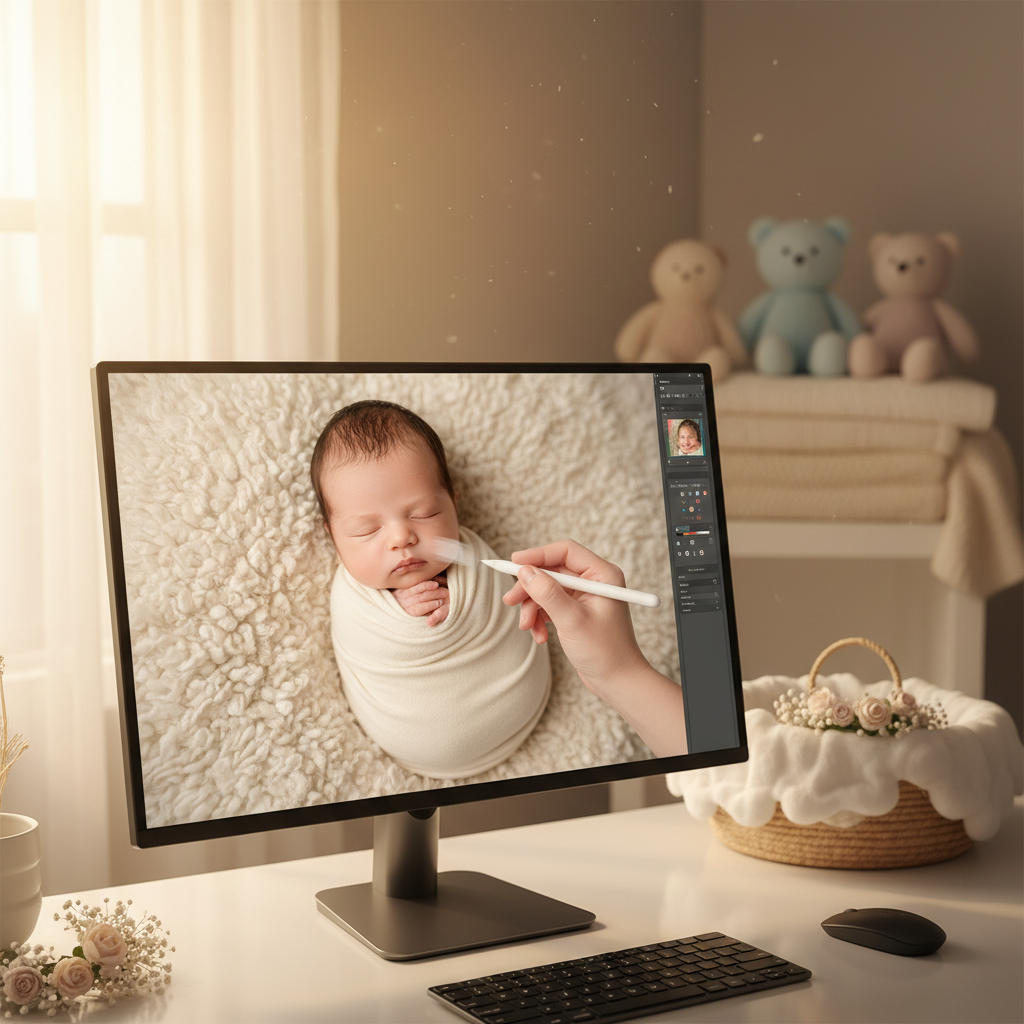
Newborn photography captures a fleeting stage of life, requiring images that evoke tenderness, purity, and a sense of calm. Achieving the desired soft, dreamy aesthetic, characterized by delicate skin tones, gentle lighting, and a serene atmosphere, is paramount. However, the editing process for newborn sessions can be exceptionally time-consuming due to the unique challenges presented by infant subjects and the high standards of quality expected by clients.
This guide explores effective strategies for newborn photo editing, focusing on how to achieve a consistent, high-quality output efficiently, including the strategic integration of AI-assisted tools.
The Distinctive Aesthetic of Newborn Photography
The "dreamy" look in newborn photography is not merely a subjective preference; it encompasses several key visual elements:
* Soft Skin Tones: Even, natural-looking skin without excessive redness, blotchiness, or jaundice. The goal is a smooth appearance while preserving delicate texture.
* Gentle Lighting and Contrast: Avoiding harsh shadows or blown-out highlights, ensuring a soft, diffused light that complements the subject's innocence.
* Clean and Uncluttered Backgrounds: Distractions are minimized, allowing the baby to remain the central focus. This often involves softening backgrounds and removing minor imperfections.
* Subtle Color Palette: Often leaning towards warm, muted tones that enhance the feeling of peace and comfort.
Achieving this aesthetic consistently across an entire gallery requires meticulous attention to detail and a refined editing approach.
Navigating Common Newborn Editing Challenges
Newborn sessions present a distinct set of editing hurdles that can significantly extend post-production time:
* Skin Imperfections: Newborns frequently exhibit temporary skin conditions such as redness, jaundice, baby acne, flaky skin, or minor scratches. Each requires careful, non-destructive retouching to maintain a natural appearance.
* Color Consistency: Lighting conditions can vary even within a single studio session, leading to inconsistent white balance and color casts across images. Achieving uniform color temperature and tone is crucial for a cohesive gallery.
* Background Cleanup: Props, blankets, and backdrops can accumulate wrinkles, dust, or minor accidents during a session, necessitating extensive cleanup.
* Delicate Details: Preserving the tiny details of fingers, toes, eyelashes, and facial expressions without over-smoothing or distorting them is essential.
* Volume and Repetition: A typical newborn session can yield hundreds of images, many requiring similar adjustments, making manual, image-by-image editing highly repetitive and time-intensive.
These challenges highlight the need for an efficient yet precise editing workflow. For more on handling delicate subjects, consider strategies discussed in AI Portrait Photography: Speed Meets Quality.
Evolving Workflows: Manual vs. AI-Assisted Editing
Historically, achieving the desired newborn aesthetic relied heavily on extensive manual retouching. A traditional workflow might involve:
1. Initial Culling: Selecting the best images from the RAW files.
2. Global Adjustments: Applying basic exposure, white balance, and contrast corrections, often in software like Adobe Lightroom.
3. Local Adjustments: Detailed skin retouching using techniques like frequency separation, dodging and burning, and selective color correction in programs like Adobe Photoshop.
4. Background Cleanup: Manual cloning, healing, and content-aware fill to remove distractions.
5. Artistic Enhancements: Applying subtle vignettes, tone curves, and sharpening.
While effective, this manual process is labor-intensive. The advent of AI-assisted editing tools offers an alternative, streamlining many of these repetitive tasks. An AI photo editing workflow can significantly reduce the time spent on foundational edits, allowing photographers to focus on artistic refinement.
Integrating AI into Your Newborn Editing Process
Integrating AI into your workflow does not replace your artistic vision; it augments it by handling the heavy lifting of repetitive adjustments. Here’s a structured approach:
1. Culling and Initial Selection: Begin by selecting your keepers. This remains a human-driven decision based on composition, expression, and focus.
2. AI for Foundational Edits: Upload your selected RAW files to an AI editing platform. Platforms like Imagick.ai can analyze your images and apply consistent global adjustments based on your preferred style or a chosen preset. This includes:
* Exposure and White Balance Correction: Ensuring consistent brightness and color temperature across the entire gallery.
* Initial Skin Smoothing and Blemish Removal: AI can identify and gently smooth skin, reducing redness and removing minor imperfections, providing a clean base for further refinement.
* Background Cleanup: Automated tools can often detect and soften background elements, reducing distractions.
3. Human Refinement and Artistic Vision: This is where the photographer's expertise becomes critical. After the AI provides a strong foundation, import the edited files into your preferred software (e.g., Lightroom, Photoshop) for final touches:
* Detailed Skin Retouching: Fine-tune skin texture, address specific blemishes that AI might have missed or over-processed, and ensure a natural, delicate appearance.
* Artistic Dodging and Burning: Subtly sculpt light and shadow to enhance depth and focus.
* Color Grading and Tonal Adjustments: Apply specific color grades to achieve your unique dreamy aesthetic, ensuring consistency across the gallery.
* Creative Cropping and Composition: Make final adjustments to framing.
This hybrid approach leverages AI for speed and consistency on foundational tasks, freeing the photographer to dedicate their time to the nuanced artistic decisions that define their style. This efficiency can also help in meeting client deadlines, a common challenge in photography, as discussed in Avoid Missed Wedding Photo Deadlines: Proven Strategies.
Quality Control and Ethical Considerations
Regardless of the tools used, thorough quality control is non-negotiable. Review every image to ensure:
* Natural Appearance: The baby's unique features are preserved, and the skin looks authentic, not plastic or over-processed.
* Consistency: The entire gallery maintains a cohesive look and feel.
* Client Expectations: The final images align with the client's desired aesthetic.
When using AI, it is also important to consider ethical implications, particularly regarding transparency and avoiding misrepresentation. The National Institute of Standards and Technology (NIST) provides guidance on responsible AI use through its AI Risk Management Framework, which can inform professional practices.
Practical Newborn Photo Editing Checklist
To ensure a streamlined and high-quality editing process for newborn photography, consider this checklist:
* Cull Images: Select only the sharpest, best-composed, and most expressive shots.
* AI Base Edits: Upload to an AI platform for initial exposure, white balance, color correction, and basic skin/background cleanup.
* Review AI Output: Critically assess the AI's foundational edits for consistency and accuracy.
* Refine Skin: Manually address specific blemishes, redness, and texture issues to maintain a natural, delicate look.
* Adjust Tones & Contrast: Fine-tune curves and levels to achieve the desired soft, dreamy aesthetic.
* Clean Backgrounds: Perform any necessary manual cloning or healing for a pristine backdrop.
* Artistic Enhancements: Apply subtle dodging/burning, vignettes, or selective color adjustments.
* Final Consistency Check: Review the entire gallery to ensure a cohesive visual narrative.
* Export: Save images in the appropriate format and resolution for delivery.
Continue building a reliable editing workflow
Review the Imagick AI workflow, compare options in the AI editing comparison, and check current pricing. For broader professional education, visit Professional Photographers of America.