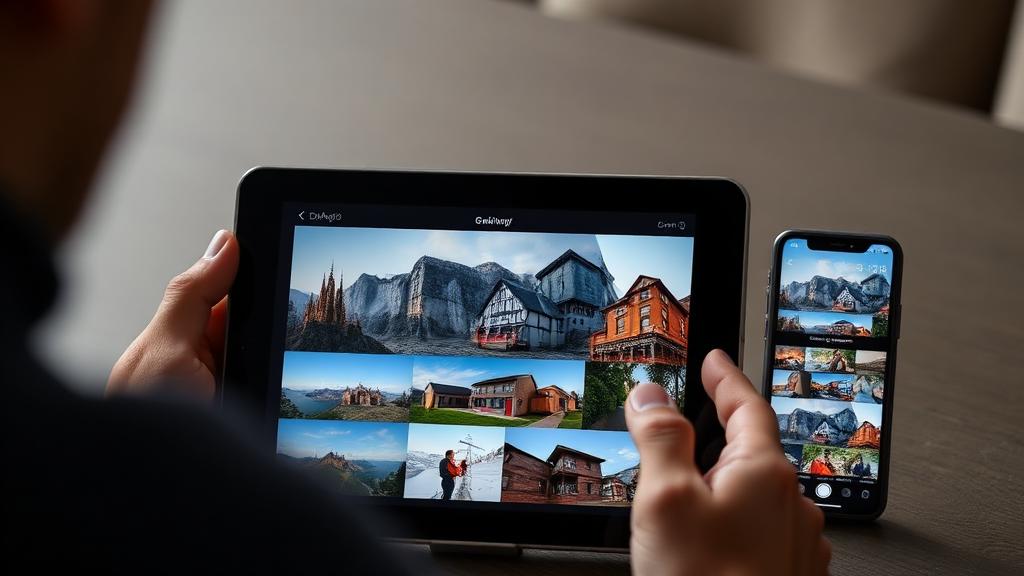
How to help guests find their photos in an event gallery comes down to three things: a clean, culled gallery; a way to browse by person instead of by timeline; and a simple delivery message that tells guests what to do. Face grouping in client galleries is often a good fit for weddings, conferences and corporate events where hundreds of people appear across thousands of frames. It works best when privacy, consent and quality checks are planned before delivery.
Why Large Galleries Lead to "Can You Send Me My Photos?" Emails
Picture a wedding photographer who delivers 900 edited images from a 180-guest celebration. The couple loves the gallery. Then the messages start. An aunt wants every photo of herself. A groomsman wants the ones with his kids. A guest who left early isn't sure she appears at all.
Corporate work creates the same problem at a larger scale. After a two-day conference, employees want their headshots, panel moments and networking candids for LinkedIn or internal profiles. Scrolling a chronological gallery of 1,500 images is slow, so people give up and email the photographer, or the client's marketing team forwards the requests.
Each request is small. Together, they take up time after the job is "done." They also make the gallery feel harder to use than it should be.
How Face Grouping in Client Galleries Works
Face grouping detects faces across a gallery and clusters photos that appear to show the same person. Instead of scrolling the whole timeline, a guest opens a person group and sees the images where that face was detected.
In Imagick, Find people groups the faces in a gallery so the photographer, and their clients, can see every photo of one person. Imagick's client galleries also support tags and similar-photo browsing. That gives guests other ways in, such as a "Reception" tag or a run of similar candids, when a face isn't clearly visible.
Face grouping is a good fit when:
- The gallery is large, roughly several hundred images or more, with many distinct attendees.
- Guests are likely to want personal copies: weddings, galas, conferences, team events.
- People are photographed repeatedly from the front, in candids, portraits and group shots.
It is a weaker fit for small sessions, events where most subjects are photographed from behind or at a distance, and galleries with heavy privacy sensitivity, such as some healthcare, legal or children's events. In those cases, tags and curated sub-galleries may serve better.
A Delivery Workflow That Makes Self-Service Work
Face grouping only helps if the gallery underneath it is clean. A practical sequence looks like this:
1. Cull first. Remove near-duplicates, closed eyes and missed focus before anything reaches clients. Fewer redundant frames mean shorter, more useful person groups. Imagick's AI Cull scores every photo, flags closed eyes and unintended blur, and groups near-duplicates with a suggested best shot. You still make the final selections.
2. Edit consistently. Guests will view their group as a mini-collection, so color and tone should match across it. This is where your AI photo editing workflow matters, whether you edit in a trained personal style or a ready-made one.
3. Add tags for moments. Use tags such as "Ceremony," "Speeches," "Dance Floor" or "Keynote." They help people who appear mostly in profile or in crowds.
4. Review the person groups before sharing. Check that the main clients, such as the couple or the executives, have complete groups.
5. Write clear guest instructions. Include a short note with the gallery link explaining how to open the people view, how to browse similar photos, and how to download.
When comparing gallery tools, look specifically at how each one handles person browsing, client access and download controls. An AI editing comparison can help frame those questions.
Privacy, Consent and Quality-Control Checks
Face grouping uses facial data, so treat it as a decision to make deliberately, not a default. The NIST AI Risk Management Framework is a useful reference for thinking about transparency, accountability and potential harms when using AI systems.
Practical safeguards:
- Discuss it in the contract or booking conversation. Tell the couple or corporate client that the gallery can group photos by face, and confirm they want it enabled.
- Ask about sensitive attendees. Some guests may need to stay out of shared browsing, such as people with safety concerns, minors or certain staff.
- Control gallery access. Use private links or passwords so person groups are visible only to the intended audience.
- Check local requirements. Rules on biometric and personal data vary by region. Confirm your obligations, especially for corporate clients with their own policies.
Quality checks before delivery:
- Look for missed photos. Faces turned away, partly covered, very small in the frame, or in sunglasses may not be grouped. Tags help cover these gaps.
- Look for merged groups. Siblings or similar-looking guests can occasionally end up together. Spot-check the largest groups.
- Confirm image selection. Remove anything unflattering or private before it becomes easy to find by person.
Picture a corporate photographer who skips this step. An executive's group includes an awkward mid-sentence frame that should have been culled. Person browsing makes every image easier to find, including mistakes.
Deciding Whether It's Worth Adding to Your Packages
Ask three questions:
- Do my clients regularly forward guest or employee photo requests?
- Are my galleries large enough that scrolling is a real barrier?
- Can I handle the consent conversation smoothly?
If the answers are mostly yes, face grouping can become part of your delivery standard. Some photographers present it as a guest-experience feature for weddings, or as a practical benefit for HR and marketing teams after corporate events. Review Imagick pricing against your typical gallery volume before building it into packages. For broader business education on client delivery, PPA education is a useful resource.
FAQ
Is face grouping accurate enough to replace manual sorting?
It greatly reduces manual sorting, but it shouldn't be treated as perfect. Spot-check key people's groups and use tags for photos where faces are hard to detect.
What's the simplest way to explain how to help guests find their photos in an event gallery?
Include a two- or three-line note with the gallery link: open the people view, select your face, then download. Clear instructions prevent most follow-up emails.
Should I enable face grouping for events with children?
Discuss it with the client first, and consider limiting access or using tags instead. Families and organizers may have specific privacy expectations for minors.
Does face grouping help corporate clients?
Often, yes. Employees can quickly find their own headshots and candids. Confirm with the company that the feature fits its internal privacy policies.