Getting Started with AI Photo Editing for Pros
By Imagick Editorial Team · Published
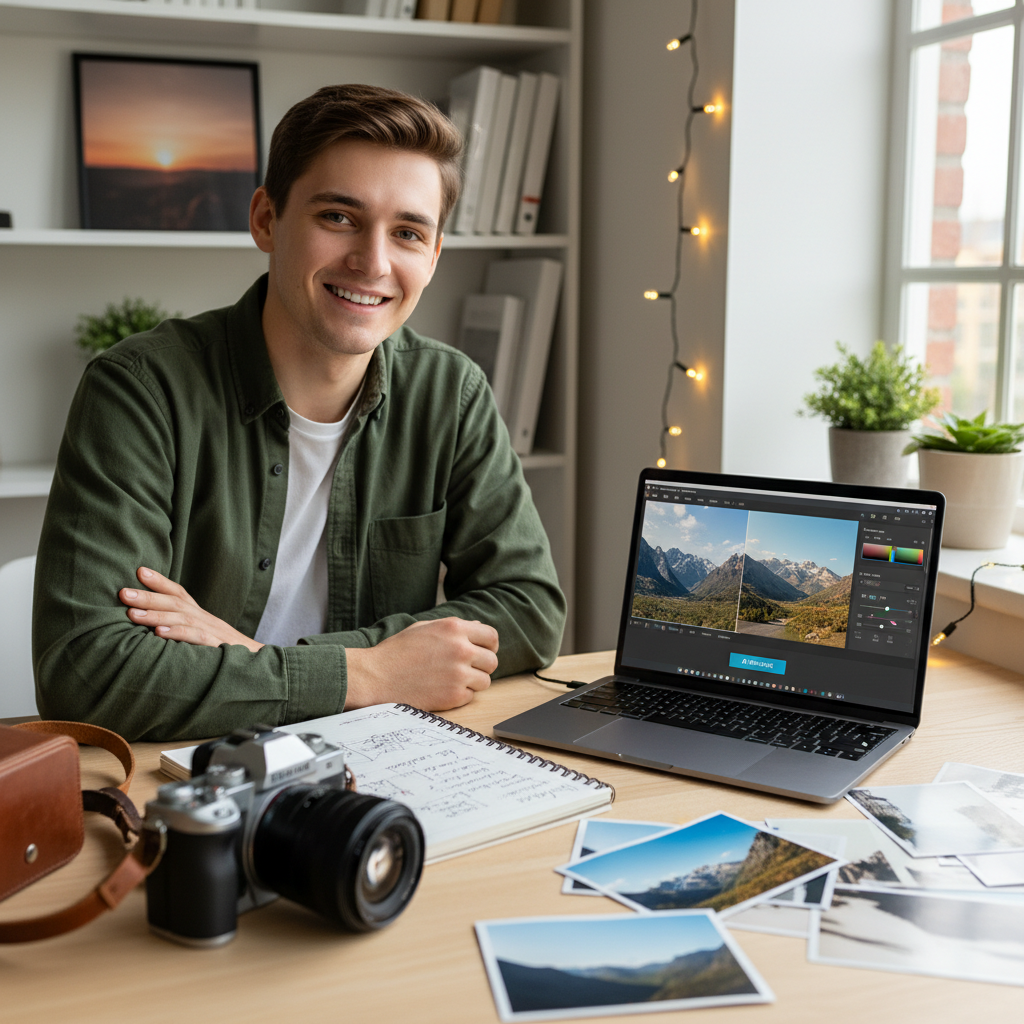
Embracing AI in Professional Photo Editing
The landscape of professional photography is continually evolving, with technological advancements reshaping traditional workflows. Among these, artificial intelligence (AI) photo editing has emerged as a significant tool, promising to streamline post-production processes and enhance consistency across large volumes of images. For many professional photographers, the initial encounter with AI editing may evoke both curiosity and skepticism. This guide aims to demystify the process, offering a practical framework for integrating AI into your established workflow.
AI photo editing is not intended to replace a photographer's artistic vision or expertise. Instead, it functions as a sophisticated assistant, capable of handling the repetitive, time-consuming tasks that often consume a substantial portion of post-production time. By automating baseline adjustments, AI allows photographers to dedicate more energy to creative refinements and client-facing activities.
Understanding AI's Role in Post-Production
At its core, AI photo editing excels at applying consistent adjustments across an entire gallery. This includes critical tasks such as color correction, white balance, exposure adjustments, and tone mapping. The primary benefit lies in achieving a uniform look and feel, which is particularly valuable for event, wedding, and portrait photographers who deliver hundreds or thousands of images from a single shoot.
Consider the challenge of mixed lighting conditions, a common occurrence in event venues. Manually correcting these variations image by image can be arduous. AI systems are designed to analyze each image and apply corrections that bring it closer to a desired aesthetic, significantly reducing the manual effort required to achieve a cohesive gallery. For more insights on this, refer to Taming Mixed Lighting: An Event Photographer's AI Relief.
It is crucial to understand that AI provides a robust starting point. It handles the 'heavy lifting' of foundational edits, freeing the photographer to focus on the nuanced artistic choices that define their unique style. This distinction is key to leveraging AI effectively without compromising creative control.
Integrating AI into Your Existing Workflow
Adopting AI photo editing requires a structured approach to ensure seamless integration with your current post-production pipeline. The process typically involves several key steps:
1. Culling and Selection: Begin by culling your images as usual. AI tools are most effective when applied to a curated selection of high-quality photographs, rather than every single frame shot.
2. RAW File Preparation: Most professional AI editing services operate on RAW files, which contain the maximum amount of image data for optimal adjustments. Ensure your files are organized and ready for upload.
3. Upload to AI Service: Select an AI editing service and upload your RAW files. Services like Imagick.ai are designed to process large volumes of images efficiently.
4. AI Processing: The AI analyzes your images and applies the chosen editing style or makes automatic corrections based on its algorithms. The processing time varies depending on the service and the volume of images.
5. Download and Review: Once processed, download the edited files, often as XMP sidecar files or DNGs, which can be imported into your preferred editing software, such as Adobe Lightroom.
6. Refinement and Finalization: This is where your artistic eye comes into play. Review each image, making any necessary subtle tweaks to exposure, color, cropping, or local adjustments. The AI has provided a consistent baseline, allowing you to focus on these creative details.
For a detailed breakdown of how AI fits into a professional workflow, explore our guide on AI photo editing workflow.
Evaluating AI Editing Services: Key Considerations
When selecting an AI editing service, several factors warrant careful consideration to ensure it aligns with your professional needs:
* Consistency and Accuracy: Evaluate the service's ability to deliver consistent results across diverse lighting conditions and subject matter. Test with a variety of your own images.
* Control and Customization: Assess the level of control offered over the editing style. Can you provide reference images, or adjust parameters to match your specific aesthetic?
* File Compatibility: Ensure the service supports your camera's RAW file formats and integrates smoothly with your existing editing software.
* Integration with Existing Tools: Compatibility with tools like Lightroom is essential for a streamlined workflow.
* Data Privacy and Security: Understand how your image data is handled and protected.
* Content Provenance: Consider services that support content authenticity initiatives, such as those outlined by C2PA, which can be increasingly important for client trust.
Comparing different services can help identify the best fit for your specific requirements. A resource like AI editing comparison can provide valuable insights.
Quality Control and Final Touches
Even with the most advanced AI, human oversight remains indispensable. AI provides efficiency, but the final artistic decision rests with the photographer. Implement a robust quality control process:
* Batch Review: Begin with a quick scan of the entire gallery to identify any major inconsistencies or errors the AI might have missed.
* Spot Checks: Perform detailed reviews of a representative sample of images from different parts of the shoot.
* Targeted Adjustments: Use your editing software to make specific, localized adjustments that enhance the image without overriding the AI's consistent baseline.
* Client-Specific Needs: Tailor edits to individual client preferences or specific usage requirements.
Responsible use of AI also involves understanding its limitations and potential biases. The NIST AI Risk Management Framework offers valuable guidance on evaluating and managing risks associated with AI systems, ensuring ethical and effective deployment in your practice.
A Practical Checklist for Adopting AI Editing
To successfully integrate AI photo editing into your professional workflow, consider this concise checklist:
* Define Your Goals: Clearly identify which aspects of your editing workflow you want AI to address (e.g., consistency, speed).
* Select a Test Gallery: Choose a diverse set of images from a recent shoot to evaluate an AI service.
* Evaluate Service Features: Compare consistency, control, file support, and integration capabilities.
* Integrate into Workflow: Establish a clear process for culling, uploading, downloading, and refining AI-edited files.
* Maintain Quality Control: Always review AI-processed images and apply your final artistic touches.
* Iterate and Refine: Continuously assess the AI's performance and adjust your workflow or service choice as needed.
By approaching AI photo editing as a powerful assistant rather than a replacement for your expertise, professional photographers can unlock significant efficiencies, achieve greater consistency, and ultimately dedicate more time to the creative and business aspects of their craft.
Continue building a reliable editing workflow
Review the Imagick AI workflow, compare options in the AI editing comparison, and check current pricing. For broader professional education, visit Professional Photographers of America.