Lightroom Presets: Beyond the Initial Adjustment
By Imagick Editorial Team · Published
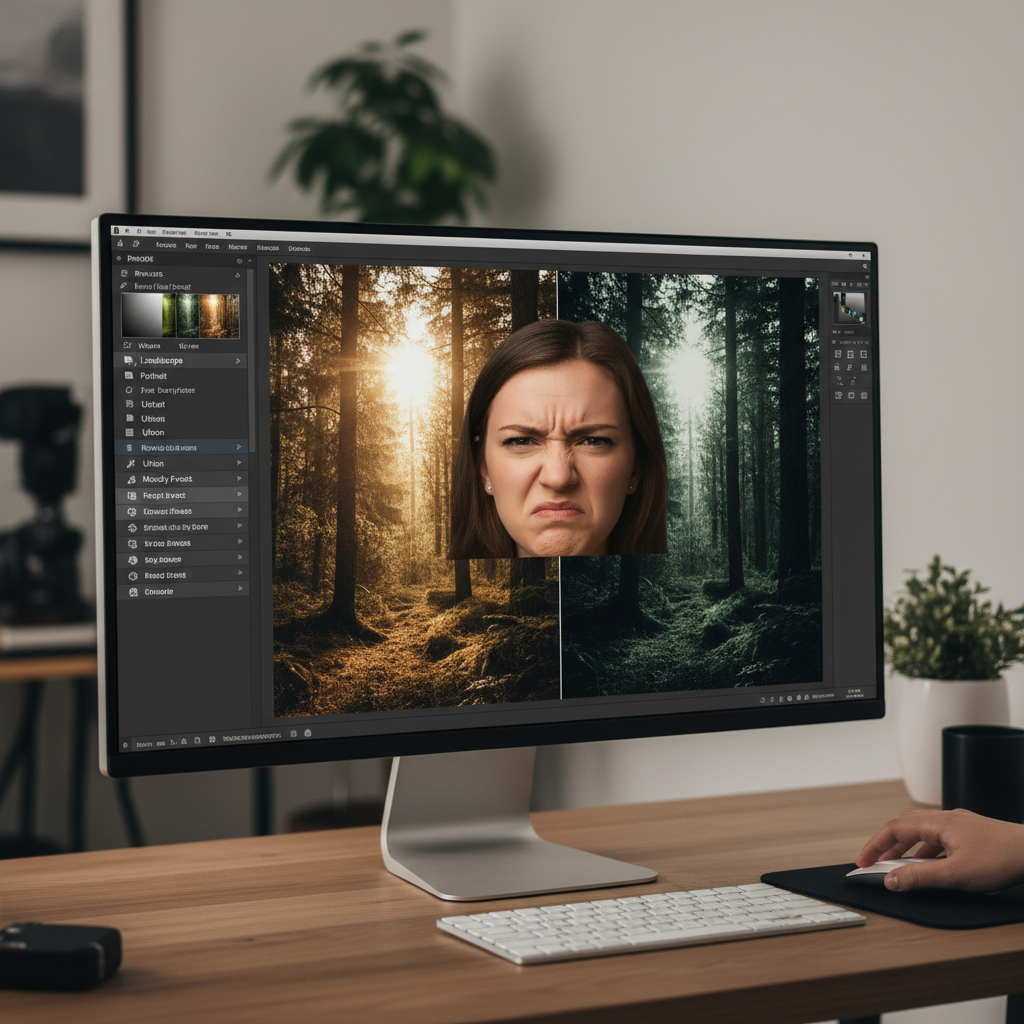
The Role of Presets in Photography Workflow
Lightroom presets have become a ubiquitous tool in the professional photographer's toolkit, offering a rapid method for applying a consistent aesthetic across a series of images. At their core, presets are collections of saved adjustments—such as exposure, contrast, white balance, and color grading—that can be applied with a single click. They serve as an efficient starting point, providing a foundational look that can streamline the initial phase of post-production. For photographers working with consistent lighting and controlled environments, presets can significantly reduce the time spent on global adjustments, establishing a baseline for further refinement.
However, the effectiveness of presets often diminishes when confronted with the dynamic and unpredictable nature of real-world photography. Events, portraits, and landscapes rarely present uniform lighting or color conditions. A preset designed for bright, natural light may produce undesirable results in a dimly lit indoor setting or under mixed light sources. This inherent limitation means that while presets can solve a portion of the editing challenge—often the initial, global adjustments—they frequently leave the majority of the nuanced, image-specific work untouched. This is why many professionals consider them a '10% solution,' providing a starting point but requiring substantial manual intervention to achieve a polished, consistent final product.
Understanding the Limitations of Global Adjustments
The primary limitation of Lightroom presets stems from their global application. When a preset is applied, it uniformly adjusts parameters across the entire image, regardless of specific content or localized variations. This approach can be problematic in several common scenarios:
* Inconsistent Lighting: A wedding photographer might move from bright outdoor ceremony light to a reception hall with mixed tungsten and LED lighting. A single preset cannot intelligently adapt to these drastic shifts in color temperature and intensity, often leading to unnatural skin tones, color casts, or incorrect exposure in different parts of the gallery.
* Varied Subjects and Environments: A portrait session might involve different backdrops, clothing colors, and skin tones. A preset optimized for one scenario may not translate well to another, requiring extensive manual correction for each image.
* Highlight and Shadow Recovery: Presets can apply general highlight and shadow adjustments, but they lack the intelligence to selectively recover detail in blown-out areas or lift shadows without introducing noise in specific regions of an image. This often necessitates painstaking manual dodging and burning or local adjustments.
* White Balance and Color Accuracy: Achieving accurate white balance and natural skin tones is critical in professional photography. Presets apply a fixed white balance adjustment, which rarely accounts for the subtle color shifts caused by environmental reflections or complex lighting. Correcting these often requires individual image analysis and precise slider adjustments, negating much of the preset's initial time-saving benefit.
These challenges highlight that while presets offer speed for initial application, they often introduce a new set of manual correction tasks, particularly for localized issues that demand a more intelligent, context-aware approach.
The Shift to Contextual and Localized Editing with AI
Professional photography demands more than just global adjustments; it requires nuanced, image-specific corrections that respect the unique characteristics of each photograph. This is where artificial intelligence (AI) in photo editing offers a distinct advantage over traditional presets. Unlike presets, which apply a predetermined set of values, AI-powered tools are designed to analyze the content of an image and make intelligent, localized adjustments.
AI can identify elements within an image—such as faces, skin tones, skies, or specific objects—and apply corrections selectively. For instance, an AI system can differentiate between a bride's white dress reflecting green grass and the same dress reflecting a red carpet, adjusting color balance accordingly without affecting other parts of the image. This contextual understanding allows for more precise and natural-looking edits, addressing issues like:
* Intelligent Color Correction: AI can analyze color casts and automatically correct white balance and color shifts across an entire gallery, ensuring consistency even when shooting conditions vary significantly.
* Exposure Balancing: AI can identify underexposed or overexposed areas and apply localized adjustments to balance exposure without flattening the image or introducing artifacts.
* Skin Tone Refinement: Advanced AI can detect skin and apply subtle, natural-looking adjustments to improve tone and texture without over-processing.
* Noise Reduction and Sharpening: AI algorithms can intelligently reduce noise while preserving detail, and apply sharpening selectively to enhance clarity where needed.
This capability to 'see' and adapt makes AI a powerful tool for tackling the 'other 90%' of editing—the detailed, repetitive, and often time-consuming tasks that presets cannot address. For a deeper understanding of how AI compares to traditional methods, consider exploring an AI editing comparison.
Integrating AI into a Professional Post-Production Workflow
Integrating AI into an existing post-production workflow can significantly enhance efficiency and consistency. AI tools are not intended to replace the photographer's creative vision but rather to streamline the foundational editing process, allowing more time for artistic refinement. Many AI editing platforms are designed to integrate seamlessly with established software like Adobe Lightroom, acting as a powerful pre-processing step.
The typical AI-assisted workflow involves:
1. Ingestion: Importing raw or JPEG files into the AI editing platform.
2. AI Analysis and Application: The AI system analyzes each image for common issues (exposure, white balance, color casts, skin tones, etc.) and applies intelligent, localized corrections to establish a consistent baseline across the entire gallery.
3. Export and Refinement: The AI-edited images are then exported back into Lightroom or another preferred editor. At this stage, photographers can apply their signature creative style, make any final artistic adjustments, and perform detailed retouching. This approach ensures that every image starts from a professionally corrected, consistent foundation, reducing the need for extensive manual adjustments on individual photos.
This division of labor—AI handling the repetitive, analytical corrections and the photographer focusing on creative expression—optimizes the entire post-production pipeline. It addresses the challenge of delivering both Photo Quality vs. Speed: Why You Need Both in a competitive market. Platforms like Imagick.ai exemplify how AI can be leveraged to create a more efficient AI photo editing workflow.
Ensuring Quality and Authenticity in AI-Assisted Editing
While AI offers significant advantages in efficiency and consistency, human oversight remains critical. Photographers should always review AI-generated edits to ensure they align with their artistic vision and meet professional quality standards. Quality control checks are essential to catch any anomalies or areas where the AI's interpretation might deviate from the desired outcome.
Furthermore, as AI becomes more prevalent in image manipulation, the importance of content authenticity and provenance is growing. Initiatives like C2PA are developing technical standards to provide transparency about the origin and editing history of digital content. Professional photographers should be aware of these developments and consider how they might impact their workflow and client communication regarding AI-assisted edits.
Practical Checklist for Adopting AI in Editing
For photographers considering integrating AI into their workflow, a structured approach can facilitate a smooth transition:
* Assess Current Workflow Bottlenecks: Identify which repetitive editing tasks consume the most time and could benefit from automation.
* Research AI Solutions: Explore different AI editing platforms, considering their capabilities, integration with existing software, and pricing models.
* Test with Diverse Image Sets: Evaluate AI performance across a range of lighting conditions, subjects, and photographic styles typical of your work.
* Integrate and Refine: Start by incorporating AI into a portion of your workflow, gradually expanding its use as you become familiar with its strengths and limitations.
* Maintain Quality Control: Always review AI-generated edits and be prepared to make manual adjustments to ensure the final output meets your professional standards.
* Understand Ethical Implications: Stay informed about content authenticity standards and communicate transparently with clients about your editing processes.
Continue building a reliable editing workflow
Review the Imagick AI workflow, compare options in the AI editing comparison, and check current pricing. For broader professional education, visit Professional Photographers of America.